
View CV

Systems Administrator

Turning recurring IT issues into long-term solutions

I automate repetitive tasks, improve reliability, and build practical systems that make day-to-day IT easier to manage.

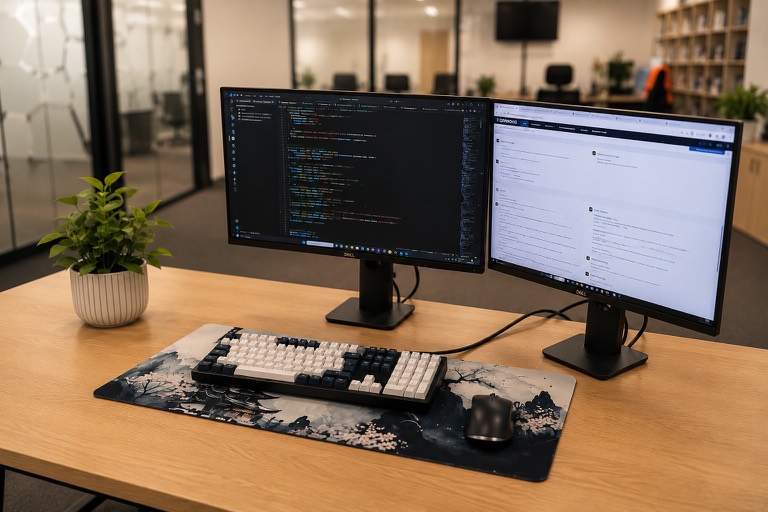
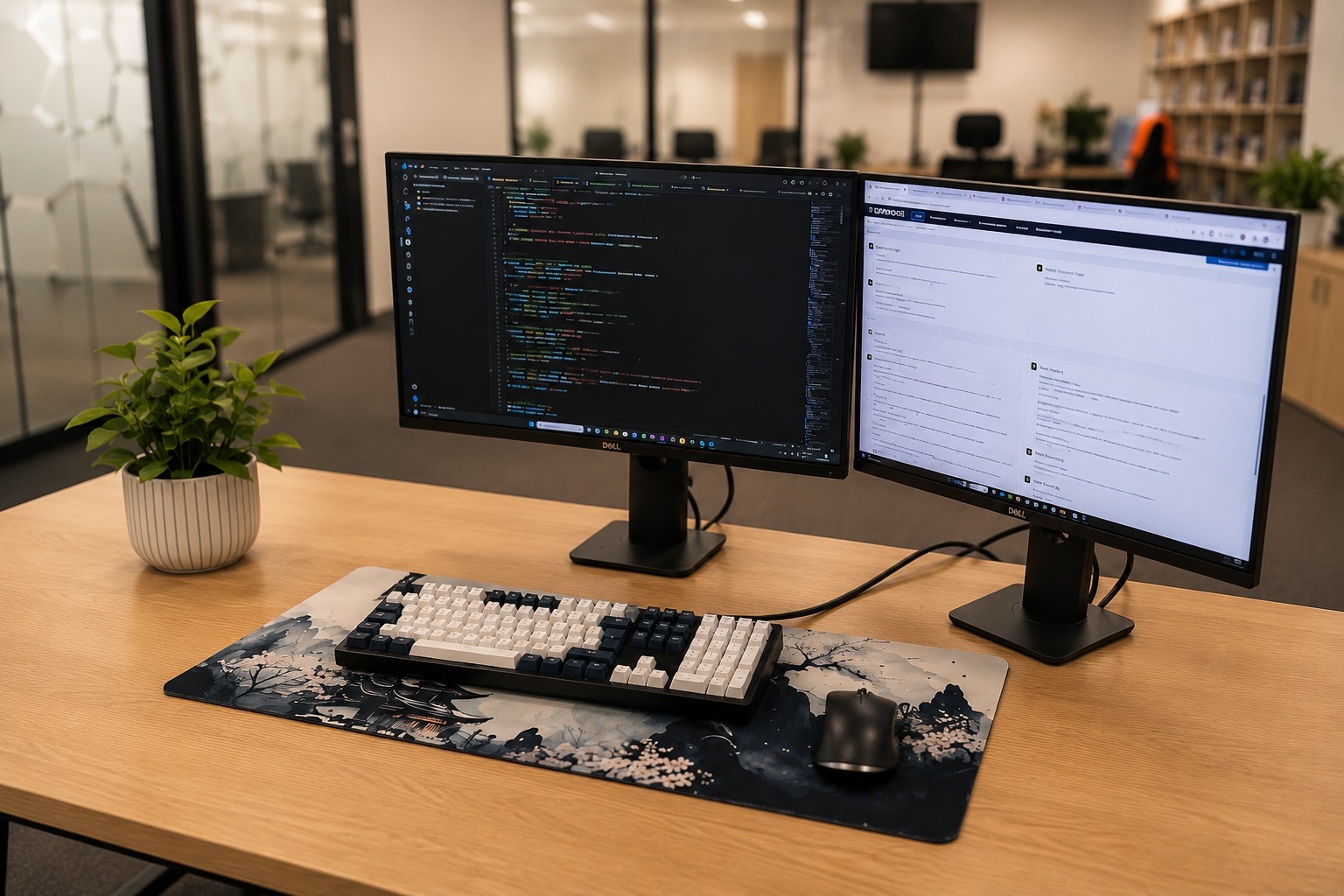
Dual-monitor IT workstation showing code and system tools in an office setting.

Featured Projects

Archive Automation

Reduced storage growth by automatically archiving inactive files.

Automation

Project Details →

Label Automation

Generated labels directly from the commercial system, eliminating manual spreadsheet updates.

Reporting
Project Details →

New Office Migration

Supported the IT workstream for a business move into a new building with minimal disruption.

Infrastructure
Project Details →

About Me

Practical systems. Reliable fixes. Simpler IT

The projects on this site all started with practical problems that needed better solutions. My role is usually somewhere between support, infrastructure, and automation: finding ways to simplify systems, remove repetitive work, and make IT easier for the people who use it.

Outside work, I enjoy getting outdoors, going for walks, and horse riding. That time away from a screen helps me come back to problems with a clearer head and a more practical perspective.

What I Do

Supporting people and systems.

My day-to-day work spans support, systems administration, and automation, helping keep business IT reliable and easier to manage.

Troubleshooting

Resolving day-to-day IT issues across users, devices, printers, and business systems.

Automation

Building practical scripts and Power Automate workflows that reduce repetitive manual work and improve consistency.

Problem-Solving

Looking beyond the immediate fault to find the cause and put a better long-term fix in place.

Systems Management

Supporting core infrastructure including Active Directory, Exchange, backups, and day-to-day operations.

Technologies I Work With

The core technologies I use most in systems administration, support, and practical automation work.

Automation & Scripting

  • PowerShell
  • Power Automate
  • Task Scheduler
  • Robocopy

Core Infrastructure

  • Active Directory
  • Group Policy
  • Windows Server

Microsoft Platform

  • Azure
  • Microsoft 365
  • Exchange Online

Operations & Support

  • Backup & Disaster Recovery
  • Monitoring
  • Print Server Administration
  • Label Printer Support

Experience Timeline

These technologies underpin the day-to-day support work and improvement projects I’ve been involved in over the last few years.

2026

Charity Website Maintenance

Maintaining and updating a charity website

  • Update website content to keep information accurate and current for visitors.
  • Maintain upcoming events pages so the site reflects the latest activity and announcements.
  • Provide ongoing website maintenance to support the charity's day-to-day communication needs.
2026

Archive Automation

Built an automated process to archive inactive company data

  • Designed a PowerShell-based archiving system to identify inactive company data and move it securely to archive storage.
  • Freed up capacity on the primary storage system while ensuring archived data remained recoverable when required.
  • Replaced an inconsistent manual process with a structured and reliable automated workflow.
2025

Label System Improvement

Integrated label generation with the commercial system

  • Redesigned the label creation workflow to reduce manual data entry and improve day-to-day accuracy.
  • Configured the label software to pull data directly from the commercial system instead of relying on repeated manual input.
  • Reduced printing and barcode scanning issues by ensuring labels were generated from accurate source data.
2024

Business Relocation

Supported the transfer of IT systems to new premises

  • Assisted with the relocation of company IT systems and equipment during the move to new premises.
  • Recommended new hardware and made sure staff devices were fully set up and ready to use from day one.
  • Helped ensure a smooth transition by making sure connectivity, systems, and user environments were ready for use.

Current Role

A snapshot of my current responsibilities and priorities.

Systems Administrator

IT Operations · Present

In Role

My current role combines day-to-day operational support with longer-term improvement work. Alongside maintaining core infrastructure and supporting users, I look for opportunities to simplify processes through automation and better systems.

Core Responsibilities

  • User Support & Troubleshooting
  • AD & Identity
  • Exchange Management
  • Backup & Disaster Recovery
  • Enterprise Print Support

Current Priorities

  • Reliable Day-to-Day Operations
  • Clear User Support
  • Practical Automation

Certifications & Learning

Building practical skills through formal qualifications, technical training, and continuous learning.

Current Focus

Azure Administrator Associate (AZ-104)

Developing practical Azure administration skills across identity, networking, storage, and governance.

In Progress

Formal Qualification

Level 3 Diploma in Information Technology. Awarding body: Pearson BTEC.

Continuous Learning

Alongside formal qualifications, I regularly complete technical training to strengthen practical skills and explore areas of IT that support my work. Areas I’ve explored through training and self-directed learning include:

  • SQL
  • Cybersecurity
  • PowerShell
  • Microsoft 365
  • Azure
Footer start